Running the Software
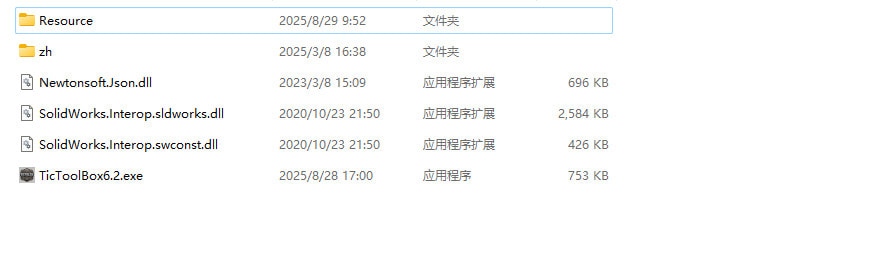
1.Extract the files
After downloading, use the built-in Windows tool or a professional utility such as 7-Zip to extract the package to your desired location (preferably the root directory of a drive).
2.Launch SolidWorks first
TicToolBox is developed based on SolidWorks 2020.
It has been tested on versions 2018, 2019, and 2021.
Older versions (minimum supported: 2016) may work, but compatibility is not guaranteed.
If you encounter issues with specific versions, please contact us for support.
Start TicToolBox
Once SolidWorks has fully loaded, double-click the TicToolBox icon to start the software.
Make sure the run permissions match SolidWorks:
If SolidWorks is launched as Administrator, then TicToolBox must also run as Administrator.
If SolidWorks is started normally, run TicToolBox the same way.
Mismatched permissions may cause unexpected errors.
Purchase and Registration
Free vs Paid Features
Many features of TicToolBox are completely free to use.
Only a few advanced functions require a paid license.
Purchase Process:
Go to the purchase page and enter your details, especially your email address and machine code. Accuracy is very important.
Getting your machine code:
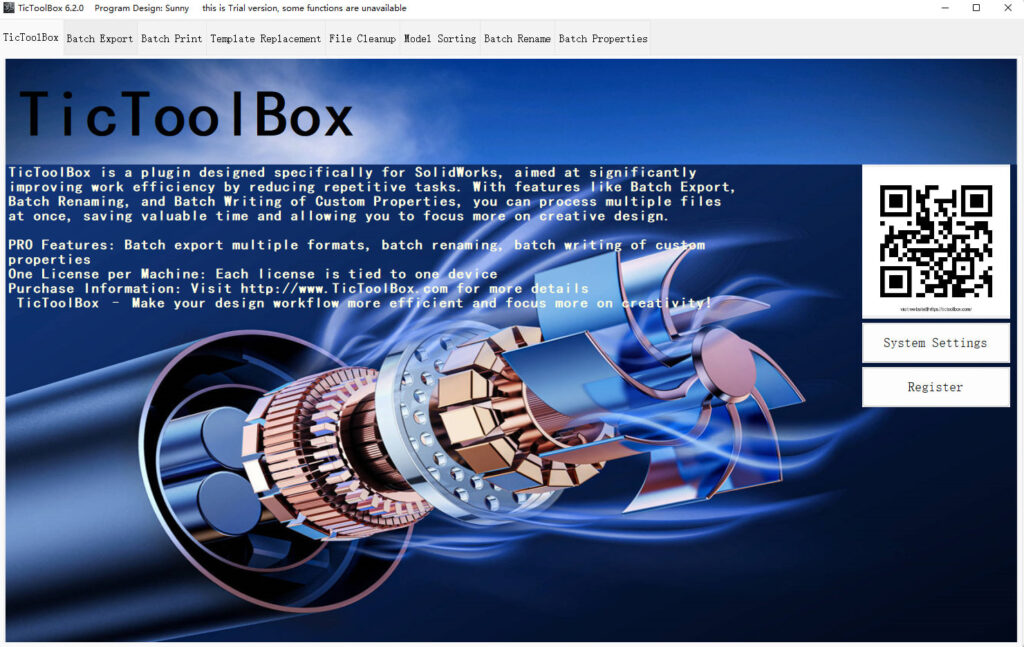
Click the Register button on the TicToolBox homepage to open the registration page.
The system will automatically generate your machine code.
Click Copy Number and paste it into the TicToolBox section on the purchase page.
⚠️ Do not enter it under the “TicTools” project — this is very important.
After submitting the form with correct details, you will receive your license file via email within 24 hours.
When you receive the license file:
Do not modify the file. Any changes will make it invalid.
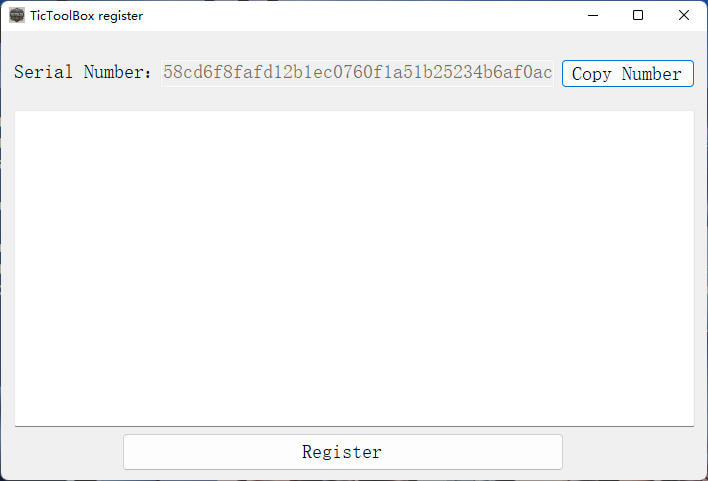
register TicToolBox
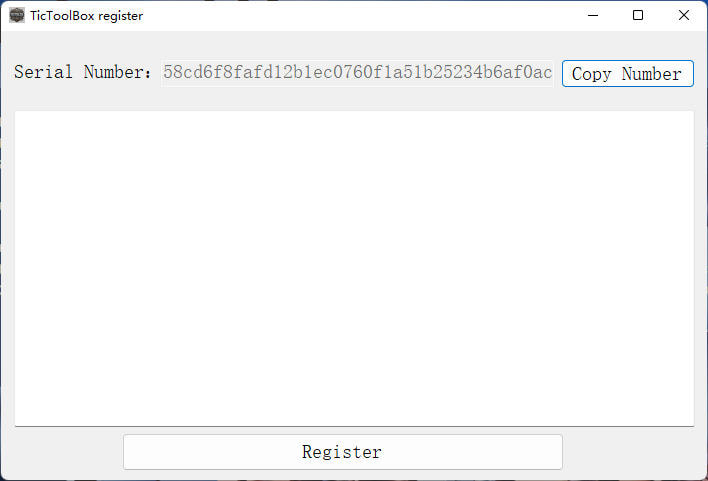
Drag and drop the license file into the text box on the registration page.
TicToolBox will automatically read the license information.
Click Register to complete the process.
If everything is correct, TicToolBox will prompt you to restart.
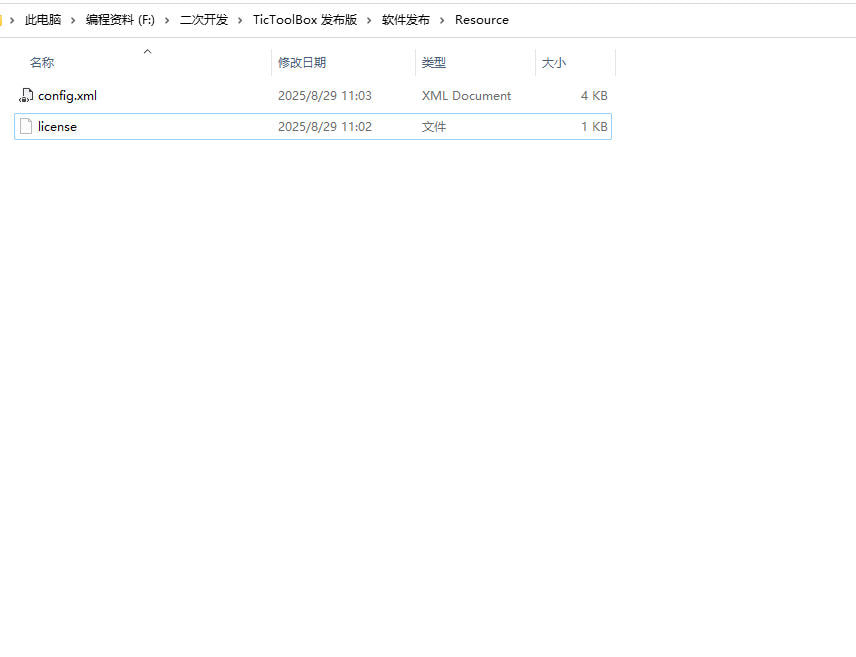
After registration, a config.xml file and license file will be created in the Resource directory.
⚠️ Do not modify these files — altering them will prevent TicToolBox from starting properly.
Start Using TicToolBox
Once registered successfully, you’re ready to unlock the full power of TicToolBox. Enjoy streamlined workflows and enhanced efficiency in SolidWorks!