Runs Entirely Locally
Everything runs locally on your machine — your design data stays private and secure.
Features
Batch Print
Batch Rename
Batch Export
Bulk Attributes
Replace Drawing Templates
Model Sorting
Purge Redundant Data
Model Sort
Why Choose TicToolBox
Batch Operations: Handle multiple tasks at once, saving time.
Automation: Simplify repetitive tasks and boost productivity.
User-Friendly: Easy to use with no complex setup required.
Reliable and Stable: Ensures a smooth SolidWorks workflow.
User Feedback Driven: We highly value user feedback and needs.
What’s Next
As technology evolves and your needs grow, TicToolBox keeps advancing SolidWorks workflow automation with more innovative, practical features.
Continuous Improvement: We refine and update existing features to keep TicToolBox ahead of the curve and ready for new industry challenges.
Deeper Integration: We are integrating TicToolBox with more design and production tools to deliver smarter, more efficient solutions for team collaboration and project management.
SolidWorks Batch Export Function – A Breakthrough in Efficient Design Workflows
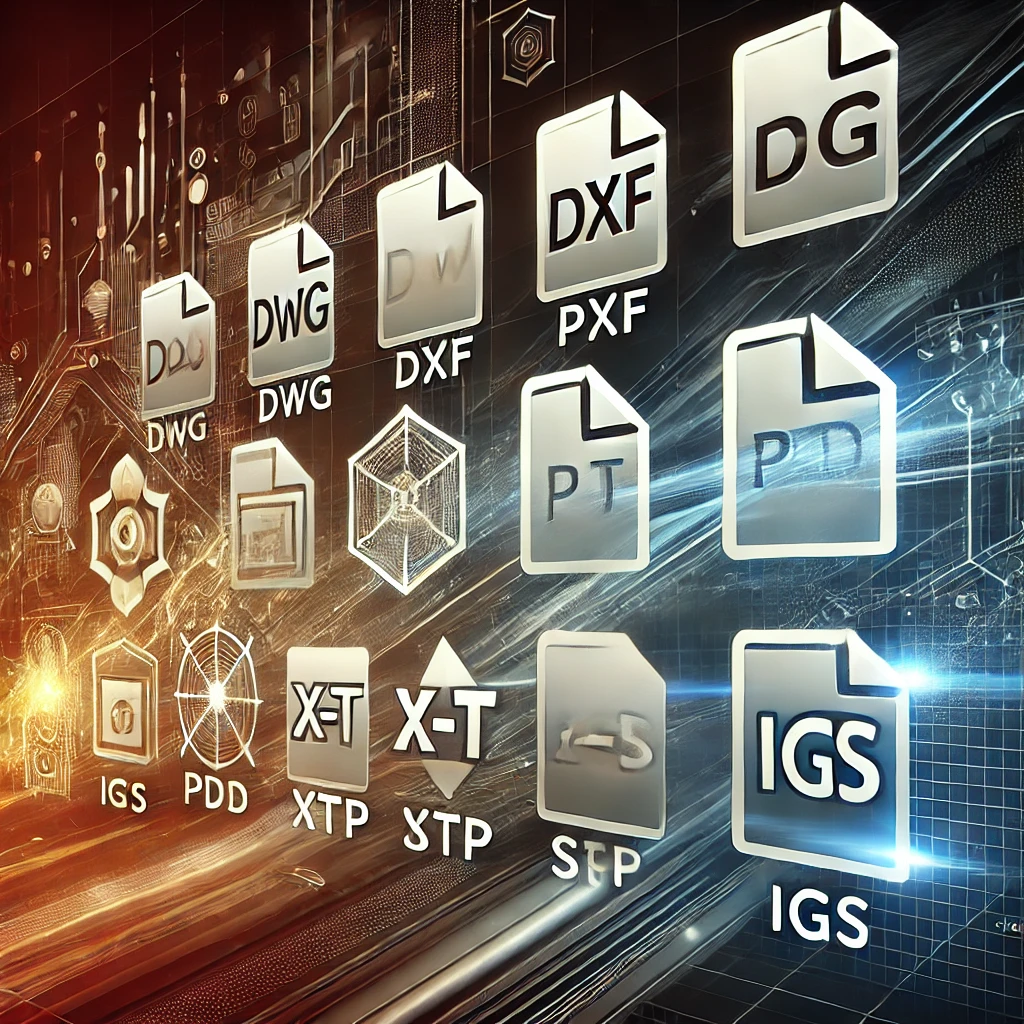
TicToolBox offers a revolutionary batch export feature that overcomes the limitations of traditional export tools. Unlike the SolidWorks official export tool, which only supports single-format exports, TicToolBox allows you to export up to 6 common file formats at once, including X-T, STEP, IGES, DXF, DWG, and PDF.

SolidWorks Batch Printing – Print Multiple Files with One Click
The batch printing feature in TicToolBox streamlines the traditional printing process. Unlike conventional methods that require printing files one by one, TicToolBox enables simultaneous batch printing of multiple CAD files, significantly saving time and enhancing workflow efficiency.
SolidWorks Batch Writing of Custom Properties – Intelligent Data Management to Boost Design Efficiency
The Batch Writing of Custom Properties feature in TicToolBox simplifies the management of design file properties, eliminating the need for manually entering attributes one by one. With intelligent data writing capabilities, you can batch-set or modify custom properties for multiple files at once, saving time and ensuring data consistency.

SolidWorks Batch Renaming – Boost Efficiency in Design File Management
When renaming parts, traditional methods cause the connection between part drawings and engineering drawings to break, requiring manual adjustments. With TicToolBox, the file names are automatically updated, keeping part drawings and engineering drawings linked, saving time and effort.